
 NeutralPress Docs
Github SSO
步骤
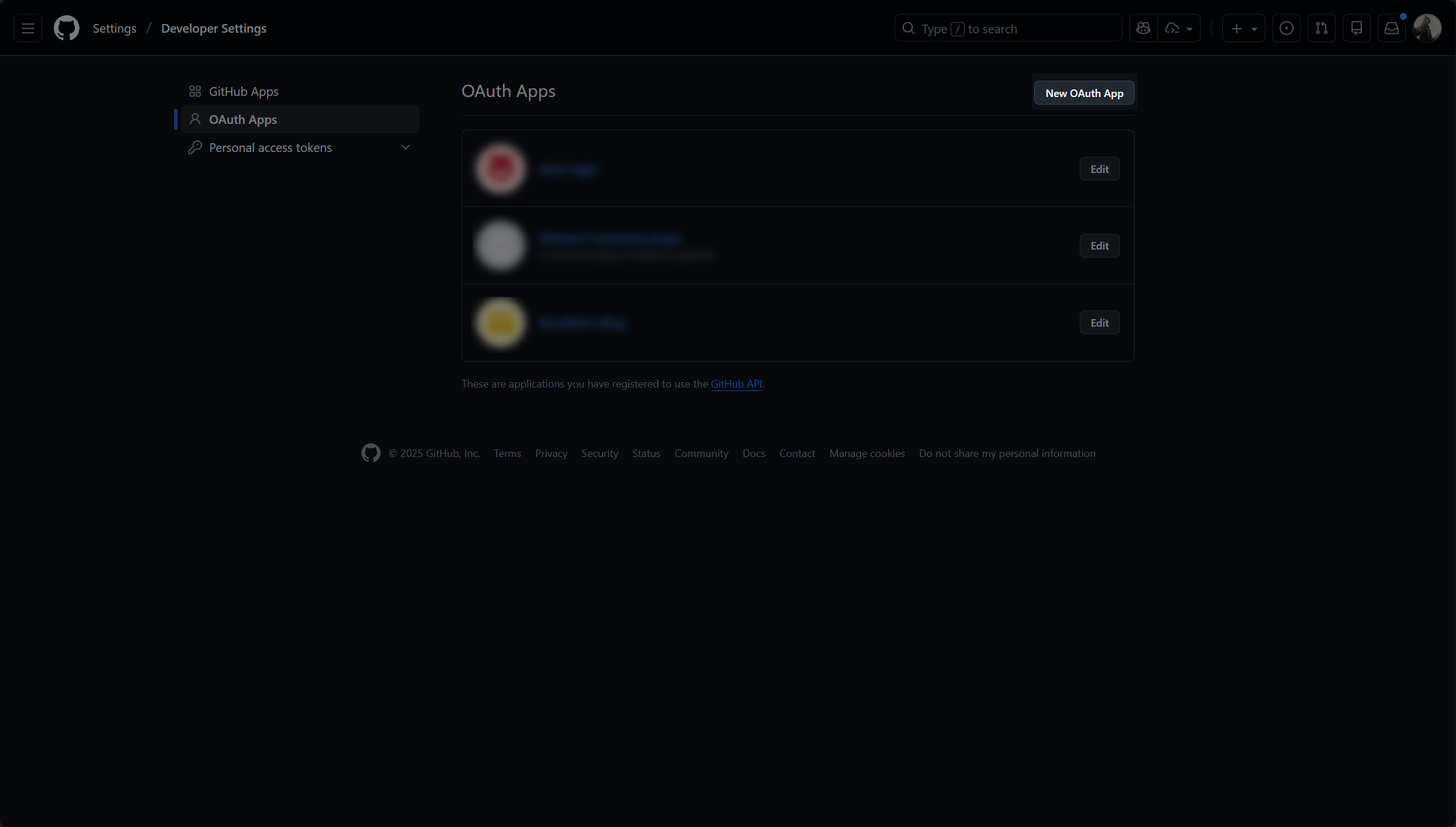
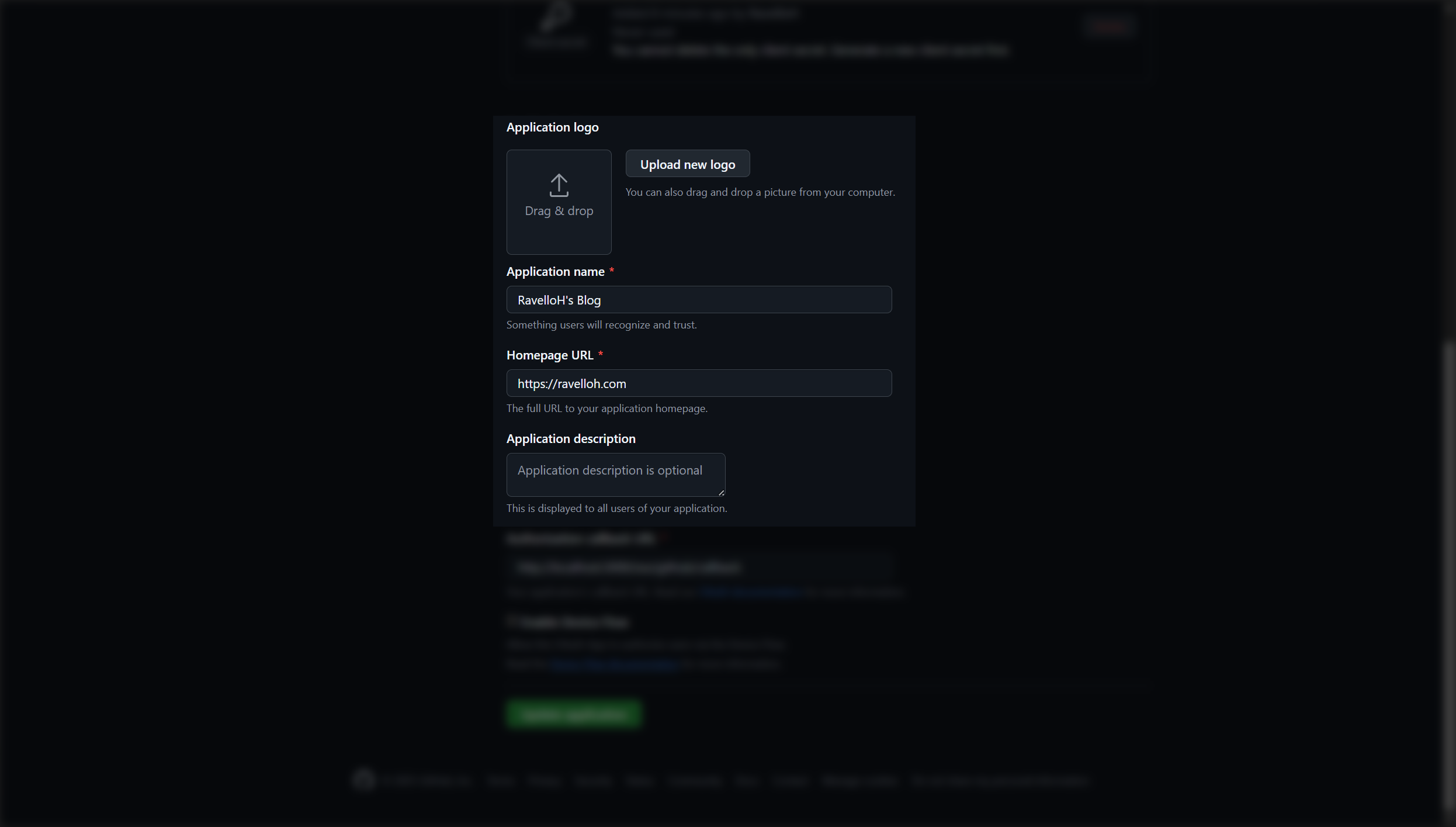
2. 填写应用信息
在打开的页面中,填写你的站点信息。注意,回调 URL 需要填写为:
https://your-domain.com/sso/github/callback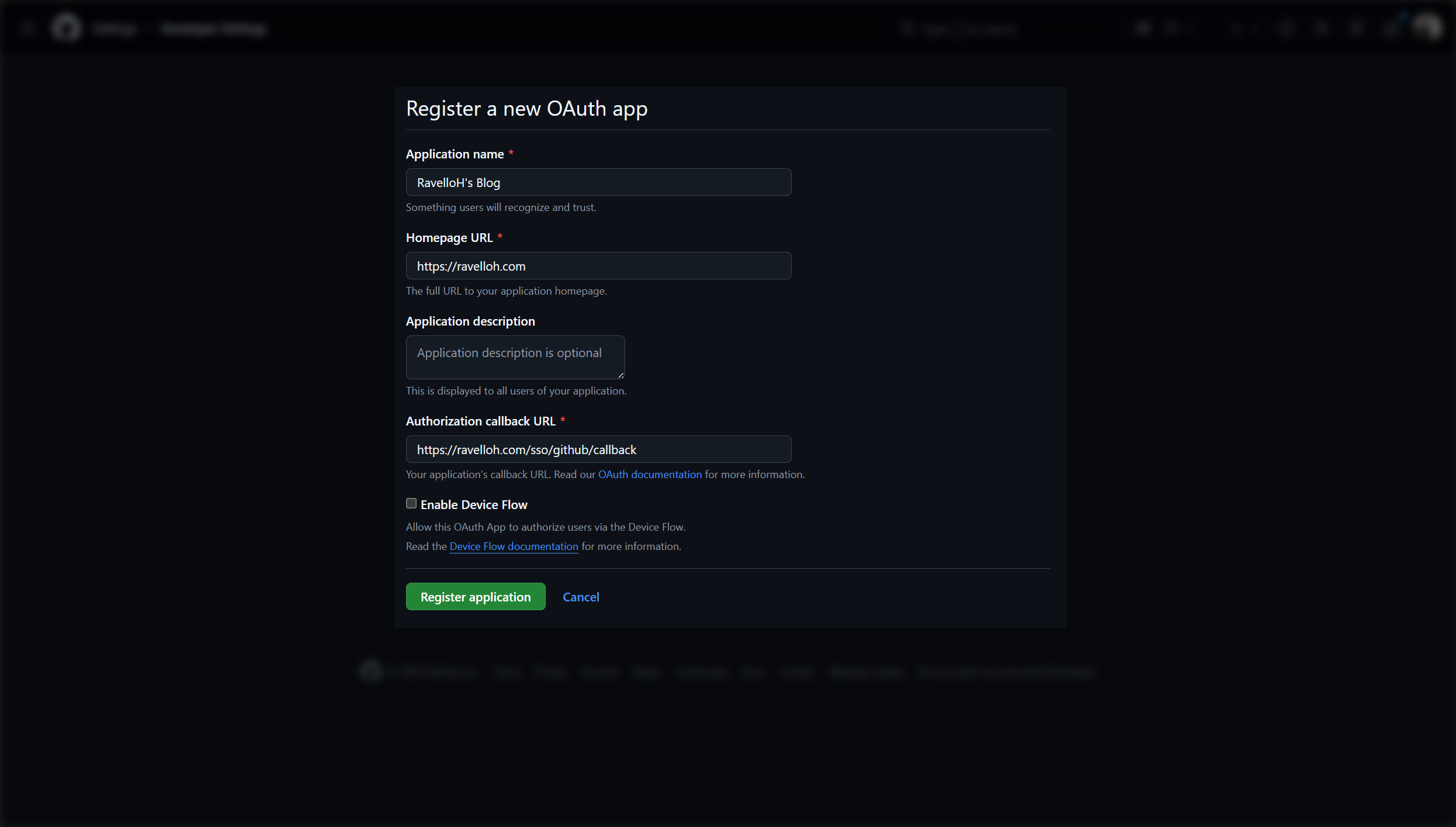
然后,点击 "Register application" 按钮。
3. 获取 Client ID
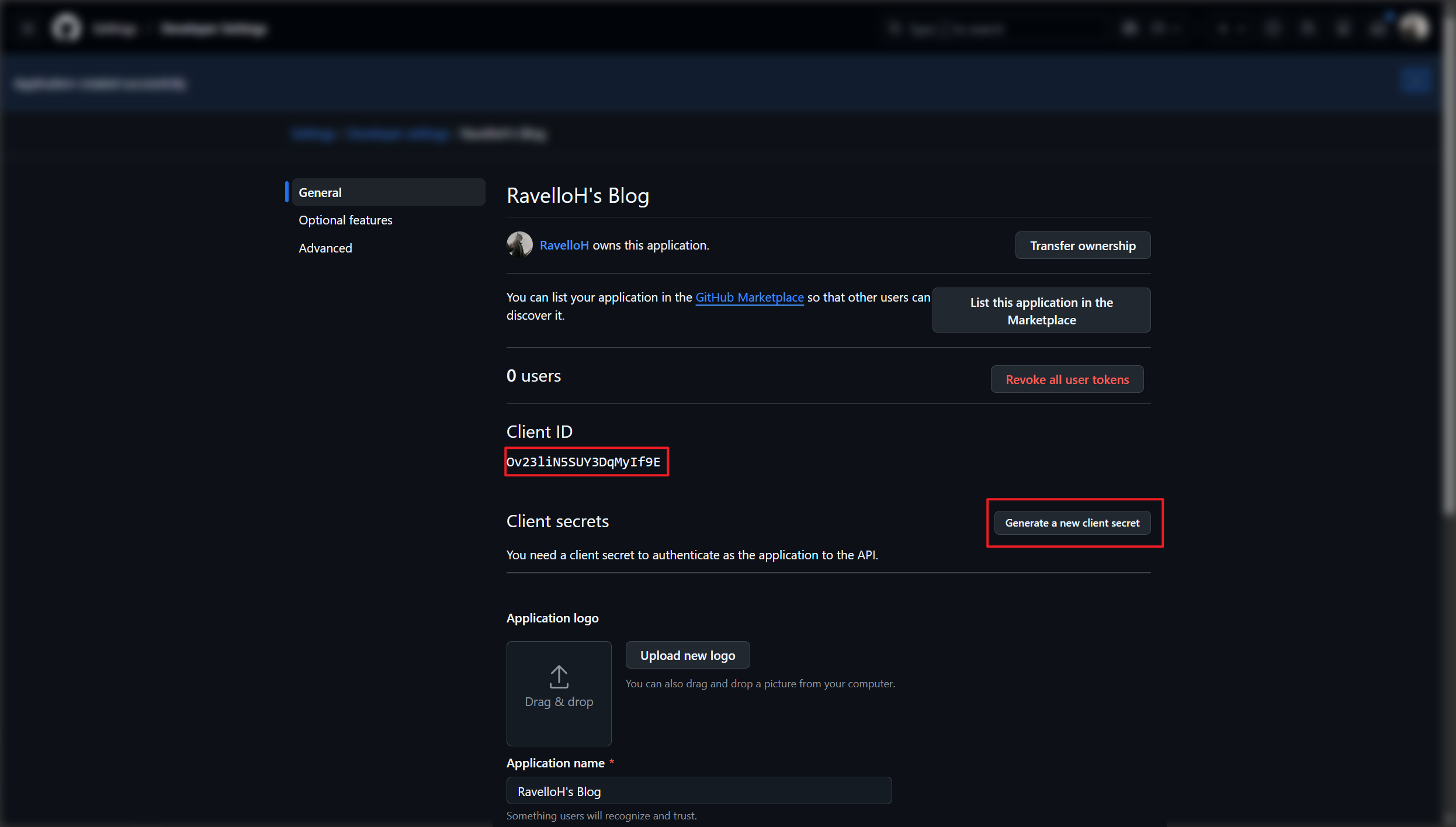
注册成功后,你会看到应用的详细信息页面。在这里,你可以找到你的 Client ID。
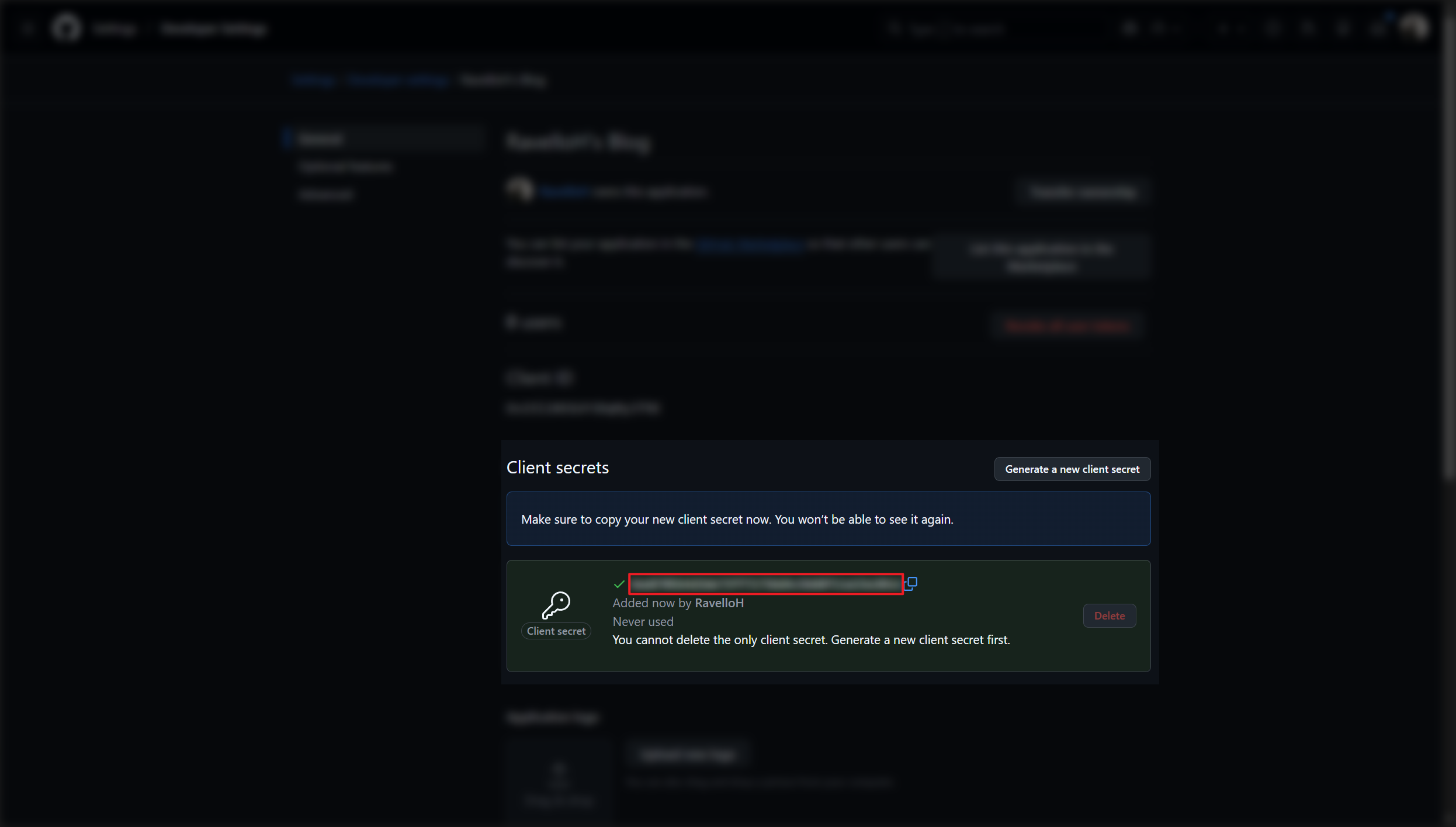
之后,你需要点击 "Generate a new client secret" 按钮来生成 Client Secret。
6. 在 NeutralPress 中配置 SSO
在 NeutralPress 的管理面板中打开设置页面,然后选择“用户策略”标签页,将 user.sso.github.enabled 选项开启,并填写 user.sso.github 的 clientId 和 clientSecret 字段。
保存后,刷新页面,你就可以看到 GitHub 登录按钮出现在登录页面上了。